skill vs agents vs claude — which do you need?
Three agent instruction formats compared
Three different conventions for instructing AI agents, each with a distinct purpose and scope.
Quick Answer
-
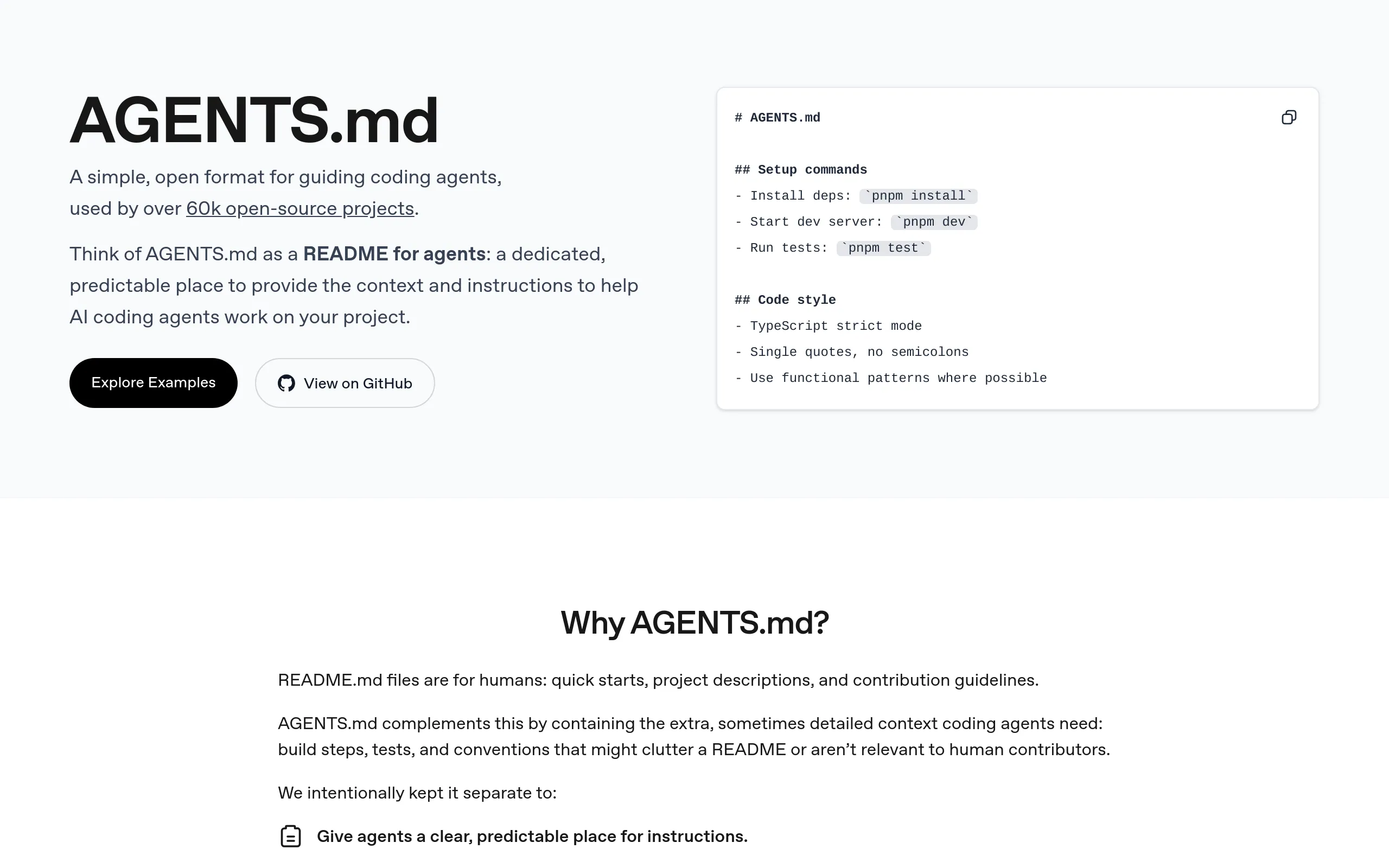
AGENTS.md — General-purpose instructions for any AI coding agent working on your project (universal convention)
-
SKILL.md — Reusable workflow knowledge for Claude Code (Anthropic-specific format)
-
.claud files — Individual skill definitions for Claude Code (YAML frontmatter + markdown)
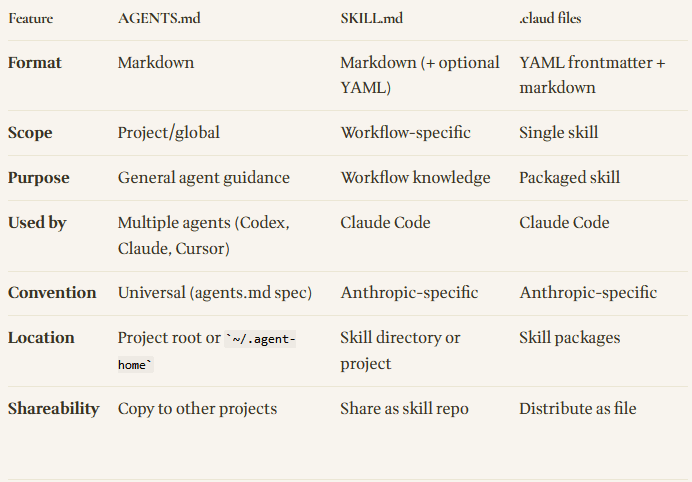
In short: AGENTS.md is project-level guidance for agents, SKILL.md is workflow knowledge for Claude, and .claud files are individual Claude skills.
Key Differences at a Glance
Use SKILL.md when:
-
Building a reusable workflow for Claude Code specifically
-
Teaching Claude a repeatable process (code review, testing, documentation generation)
-
Pairing workflow knowledge with MCP integrations (e.g., Sentry + GitHub)
-
You want Claude to consistently follow a specific approach
Example use case: A testing workflow that always checks for edge cases, writes tests in a specific style, and uses your team’s test utilities.
Use .claud files when:
-
Packaging an individual skill for distribution
-
Creating a shareable, installable workflow for Claude Code
-
Building a library of discrete skills users can pick and choose from
-
Publishing to a skill repository or marketplace
Example use case: A “React Component Generator” skill that can be installed and used across multiple projects.
Links
-
AGENTS.md spec: https://agents.md/
-
AGENTS.md GitHub: https://github.com/agentsmd/agents.md
-
Original post: https://ailearnedtoday.com/logs/2026-02-24
Also Today:
AI Model Theft at Industrial Scale
Anthropic identified three Chinese labs (DeepSeek, Moonshot, MiniMax) conducting massive distillation attacks — 16M exchanges via 24K fraudulent accounts to steal Claude’s capabilities. Stripped-out safeguards create national security risks (bioweapons, cyber ops, surveillance). Attacks undermine export controls by bypassing chip restrictions through theft rather than innovation.
Autonomous Testing for agent-browser
Chris Tate (@ctatedev, Dev @ Vercel) released an autonomous dogfooding skill for agent-browser that explores your app like a user — clicks buttons, fills forms, tests edge cases, checks console, captures repro videos and screenshots, outputs structured report with severity ratings. No test scripts, no manual QA.